
Google Play Store
Google Play Store is Google's digital distribution platform for Android, used to find, install and update apps, games and books.
101.1 MB

9.0.16 · Sample developer · Page updated
Test DPC is a sample device policy controller for Android Enterprise, used by developers and IT administrators to test work profiles and management policies.
Average 0.0 · ratings: 0
Thank you! Your rating is saved; you can change it. Could not save the rating. Please try again later. Too many ratings from your network today. Please try again tomorrow. The average appears after 5 ratings.
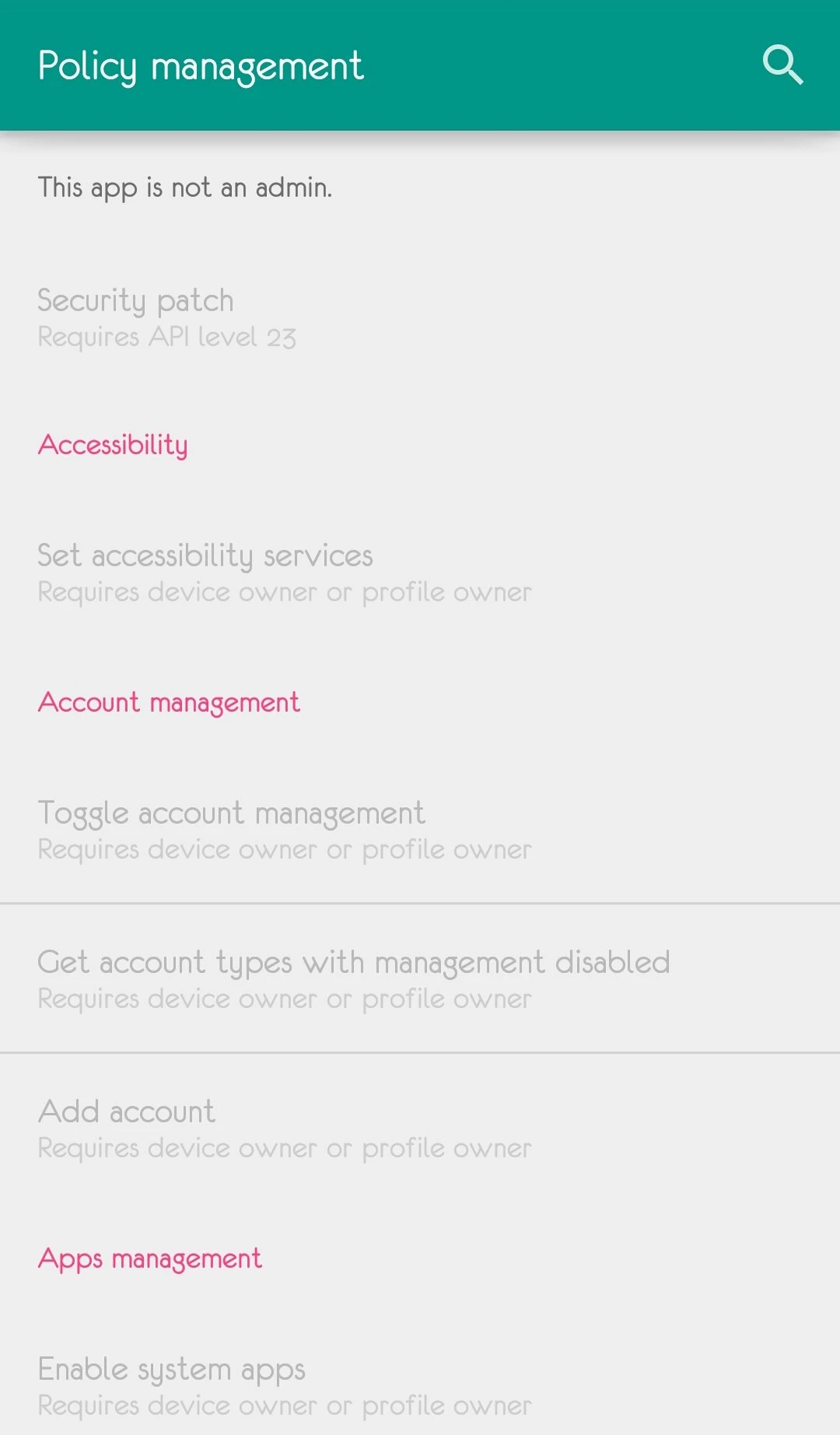
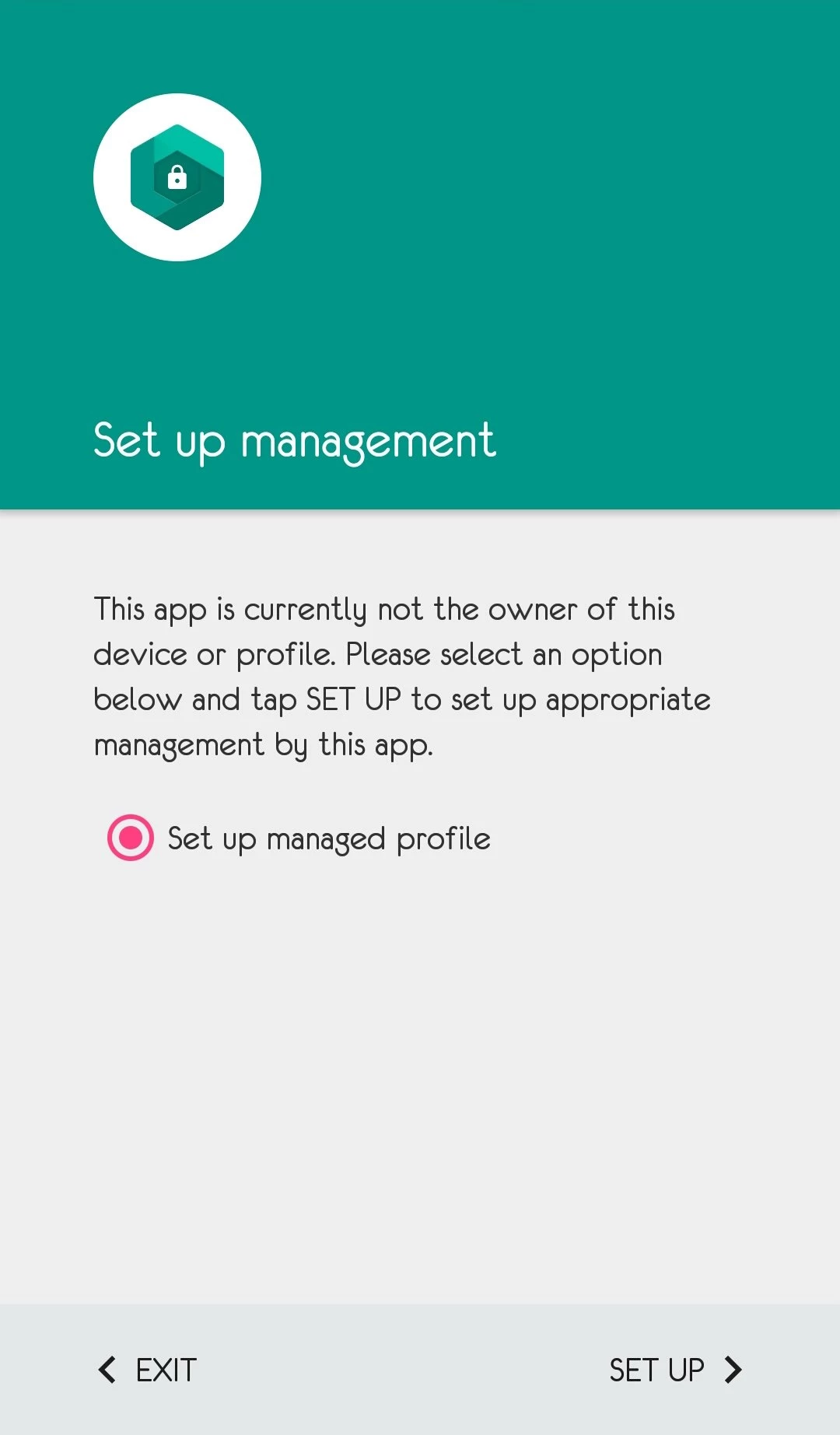
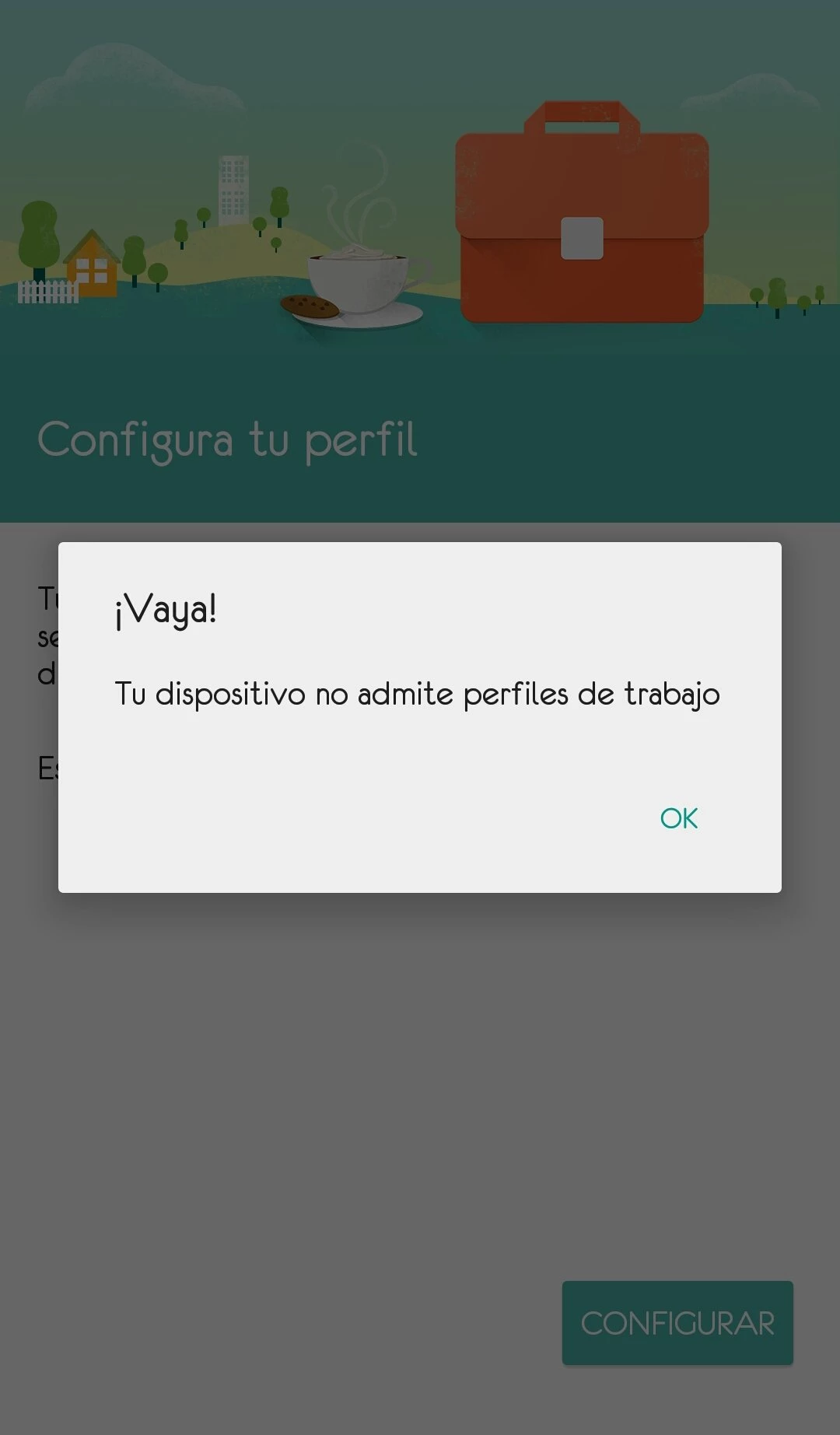
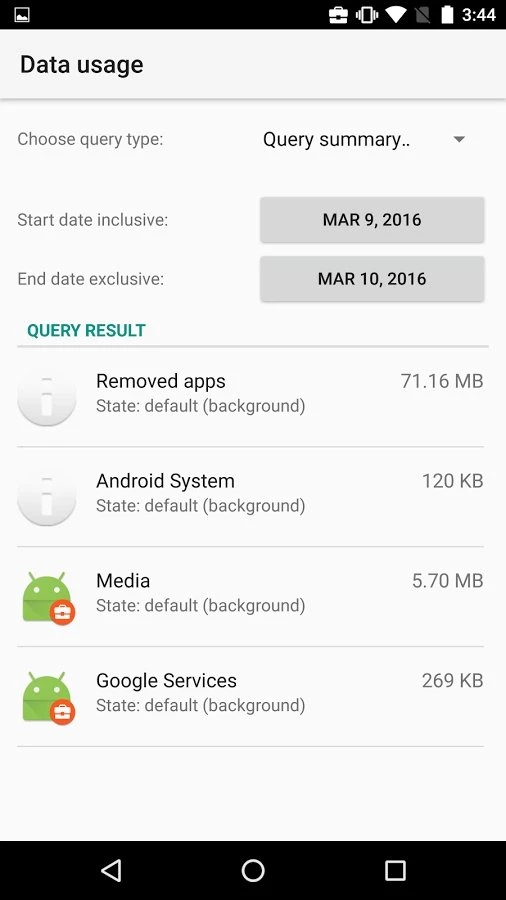
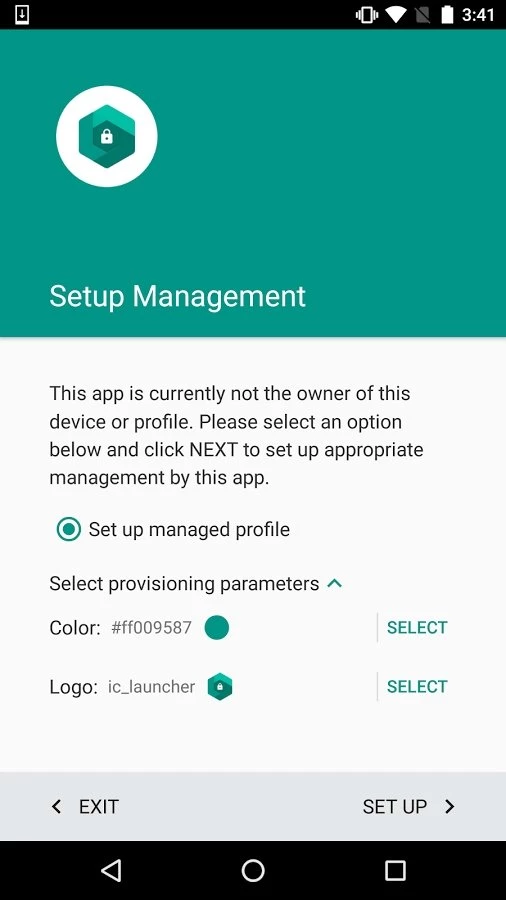
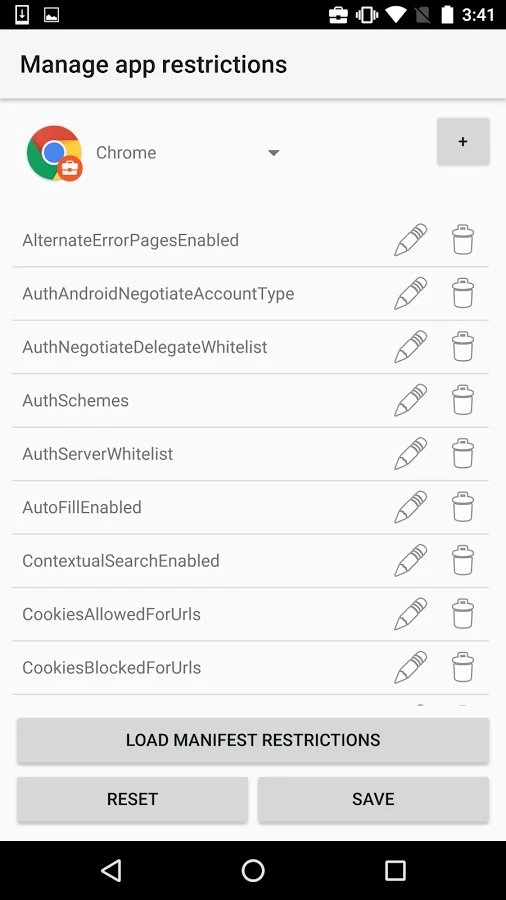
Test DPC 9.0.16 is a sample device policy controller (DPC) app for Android Enterprise. It is a tool for developers and IT administrators who need to download a test environment for mobile device management on Android, not an app for everyday users.
In the Android Enterprise model, a company phone or a work profile on a personal phone is controlled by a special app called a device policy controller. In real deployments that role is played by the app of a mobile device management vendor. Test DPC is a sample implementation of such a controller, published so that people can see what Android's management APIs can do without buying or setting up a commercial solution. With it you can create a work profile, which separates work apps and data from personal ones, or set up a fully managed device. Then you can apply policies one by one: password rules, camera restrictions, app permissions, allowed and blocked apps, VPN settings, system update behaviour and many more. Each option in the app corresponds to a management API, which makes it a convenient reference when you are building or debugging your own DPC or checking how your app behaves inside a work profile.
If you just want to hide apps, lock your phone or control a child's device, Test DPC is the wrong tool. Setting it up as a device owner requires a factory-reset device, and careless policies can lock you out of features. Parental control and privacy apps are better for home use.
According to catalogue data, the app is about 13.42 MB.
Test DPC is free. Use it on test devices, not on a phone with your only copy of personal data: removing a managed setup may require a reset. Install it only from Google Play.
For other developer-oriented Android tools on our site, see Shizuku, which lets apps use system-level APIs, and Activity Launcher for opening hidden app screens.
Google Play Store is Google's digital distribution platform for Android, used to find, install and update apps, games and books.

APKPure is a third-party app marketplace for Android that installs apps from APK files outside Google Play. This page covers version 3.20.7803.

Aptoide is an open-source alternative app store for Android, running since 2009. This page covers version 9.22.5.3.

QuickShortcutMaker is a small Android tool for creating home screen shortcuts to specific screens of installed apps, including hidden settings.